Updated: 6th of July 2026
The following is for police officers, captains and chiefs ONLY:
The pin code to this system you will find her
How to give and setup a keeper:
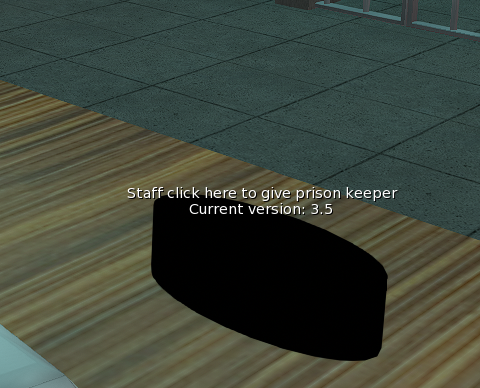
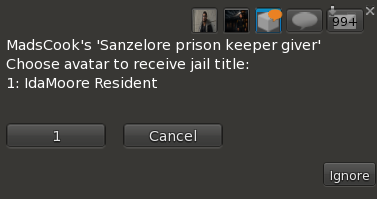
1. Click on this in the intake room and choose the avatar you want to send a keeper:
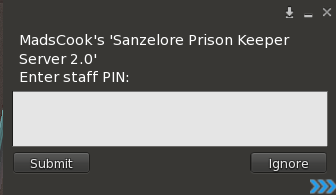
2. Then click above the prisoners head and type in the pin code:
3. Then you get this menu
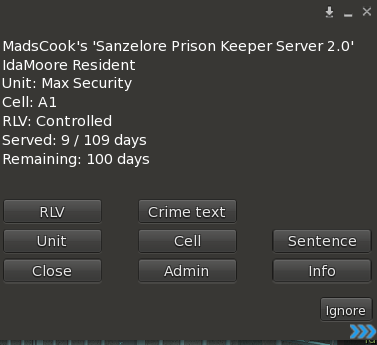
Set what the avatar requested in their police station intake card.
The following is mandatory to fill out in the keeper: Unit, Cell, Sentence, RLV, Crime text
Below is a explaination of the menu
Menu guide:
Topic:
The menu is used to manage the prisoner’s status, sentence, cell, RLV level, and release.
The main menu contains:
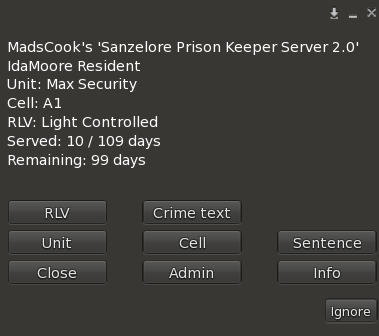
Admin
is used to correct served days or release the prisoner. Release access may require special permission.
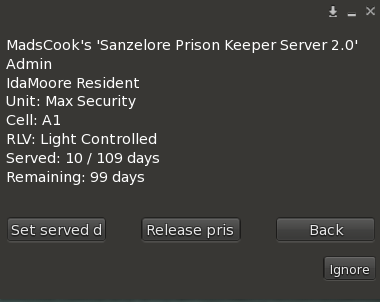
- Release prisoner removes the prisoner from the system. The title is unlocked, RLV restrictions are cleared, and the prisoner’s saved data is deleted from the server.
- Set served day only to be used if the titler have crashed or gone missing. Remember to set the sentence first.
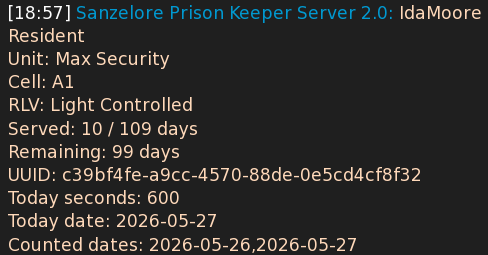
Info
shows the prisoner’s current status, including UUID, unit, cell, RLV level, sentence, served days, and remaining days.
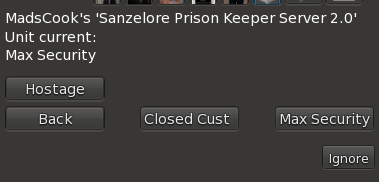
Unit
sets what unit the prisoner should serve under:
Cell
sets the prisoner’s primary cell for the prison stay.
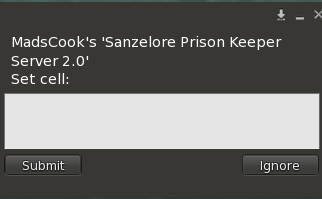
Example:
H1
A1
Sentence
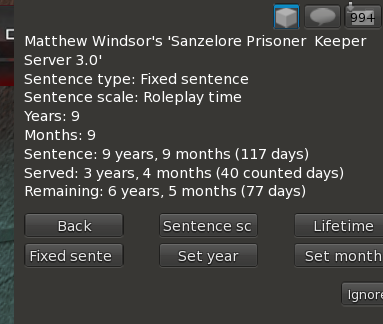
Staff must enter the number of years and months given in court:
- Click on Sentenance scale to set roleplay time or real time
Roleplay time = 1 real day count as 1 month on the sentence
Real time = 1 real day count as 1 day on the sentence. - Click set year and set the number of years given by the court.
- Click set month andr set the number of months given by the court.
- Click Lifetime if the person was sentence to life in prison.
- Click Fixed sentence if the person have a life sentence and is now going to get a fixed sentence.
RLV
sets the prisoner’s restriction level:
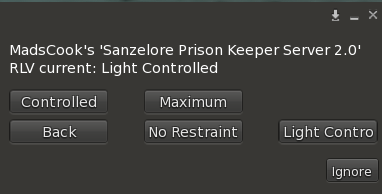
You find the details about the restrictions here
Crime text
sets the text shown at the top of the prisoner’s title. Type in what crime the prisoner has committed:
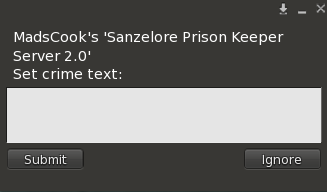
Close
closes the menu.