Only to be used by police officers in Sanzelore Lockmare
How it starts:
- Check whether the avatar has a valid visa.
- Check the crime log on discord to see if the person has committed any violations.
- Check the pre-registration records to see if the prisoner is currently in the pre-registration cell at the police station.
- The person commits a crime while you witness it.
Sanzelore Lockmare Arrest Rights
You are under arrest. You have the right to remain silent. Anything you say can and will be used against you in a court of law. You have the right to a state-appointed attorney. You do not have the right to choose your own attorney. Do you understand these rights?
Ved politistasjonen i inntaksrommet i kjelleren:
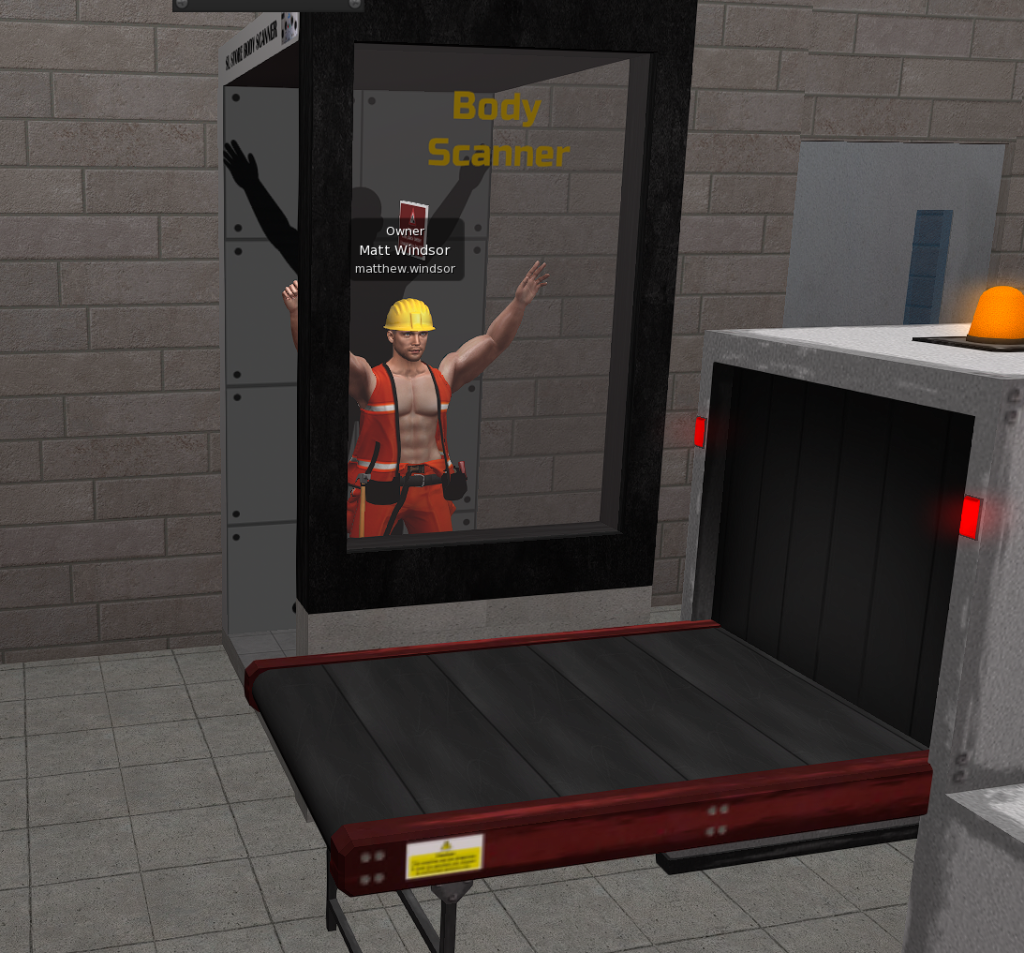
Ask the prisoner to enter the body scanner. Check whether the prisoner has anything illegal concealed inside their body. When the prisoner sits on the body scanner, they will be asked the following questions. The result will be shown in local chat.
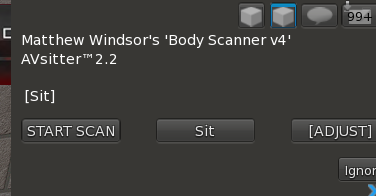
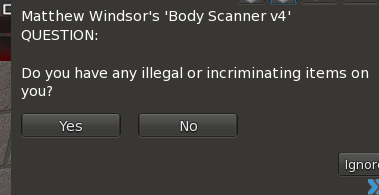
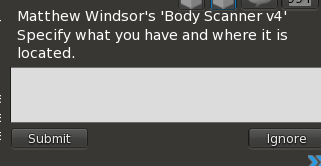
You may conduct a body search. The arrestee must stand on the yellow line during the search. This is especially important if the body scanner shows that the illegal objects are located in the arrestee’s pockets or clothing. If the arrestee is dirty, they must take a shower.
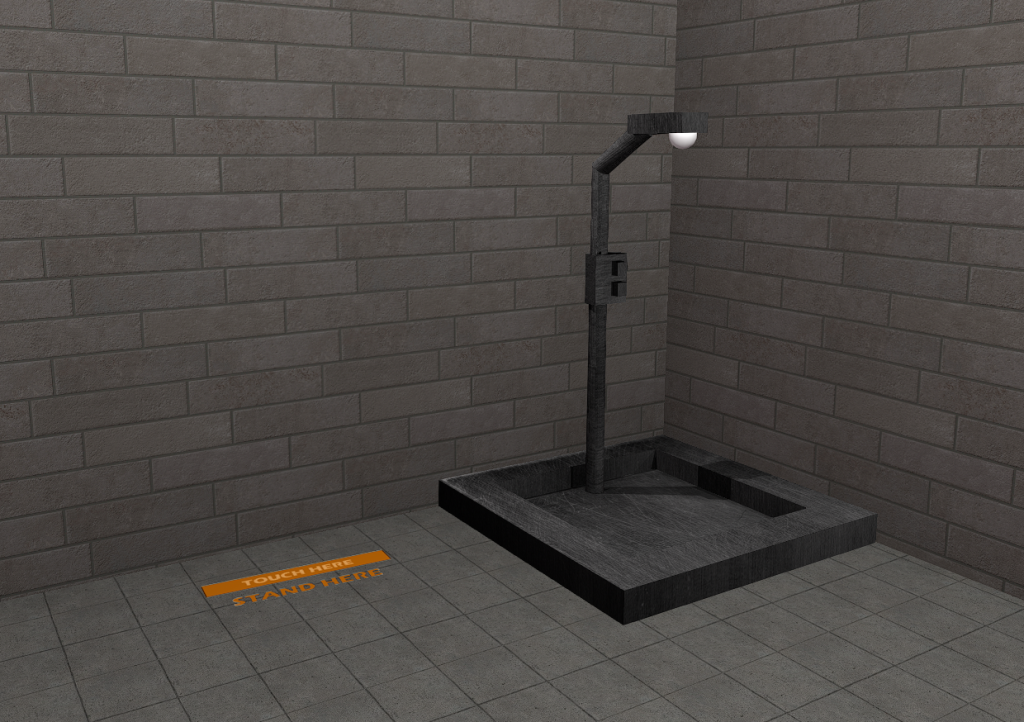
If the illegal objects are concealed inside body cavities, instruct the prisoner to squat using the prison animation HUD from the roleplay kit and cough until any concealed contraband comes out of the body.
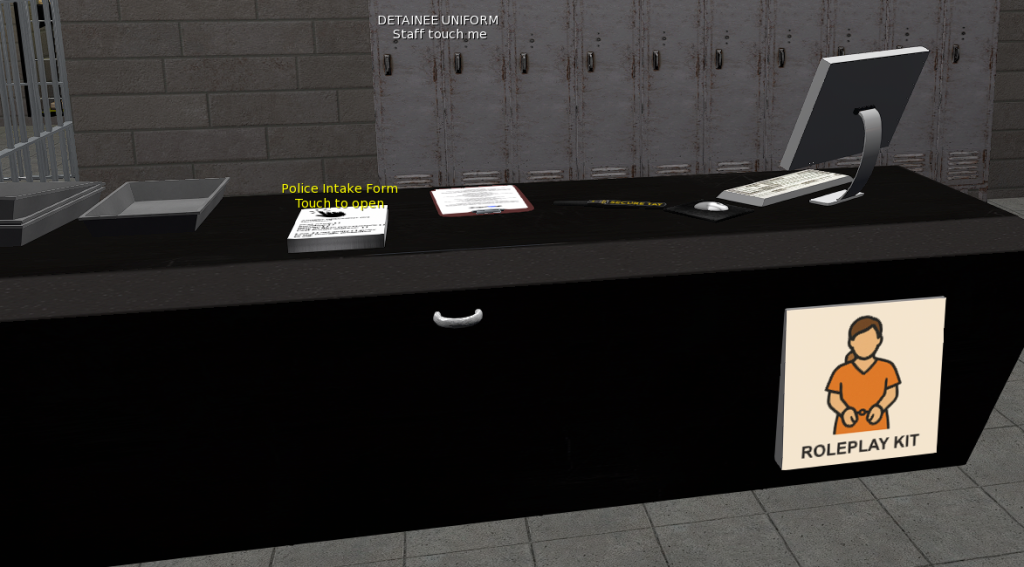
Take the arrestee to the next room. Here, they must complete the Police Intake Form, which is located on the counter shown in the image above.
Once the form has been completed and submitted, the finished intake form will be sent to the 📬intake-police channel on Discord. This channel is only accessible to staff members. Copy the content from this channel into the correct threads in Avatar Records on Discord.
After the arrestee has completed the form, staff must click the cabinet marked “Detainee Uniform” and select the avatar who should receive the uniform.The arrestee must then change into the uniform.
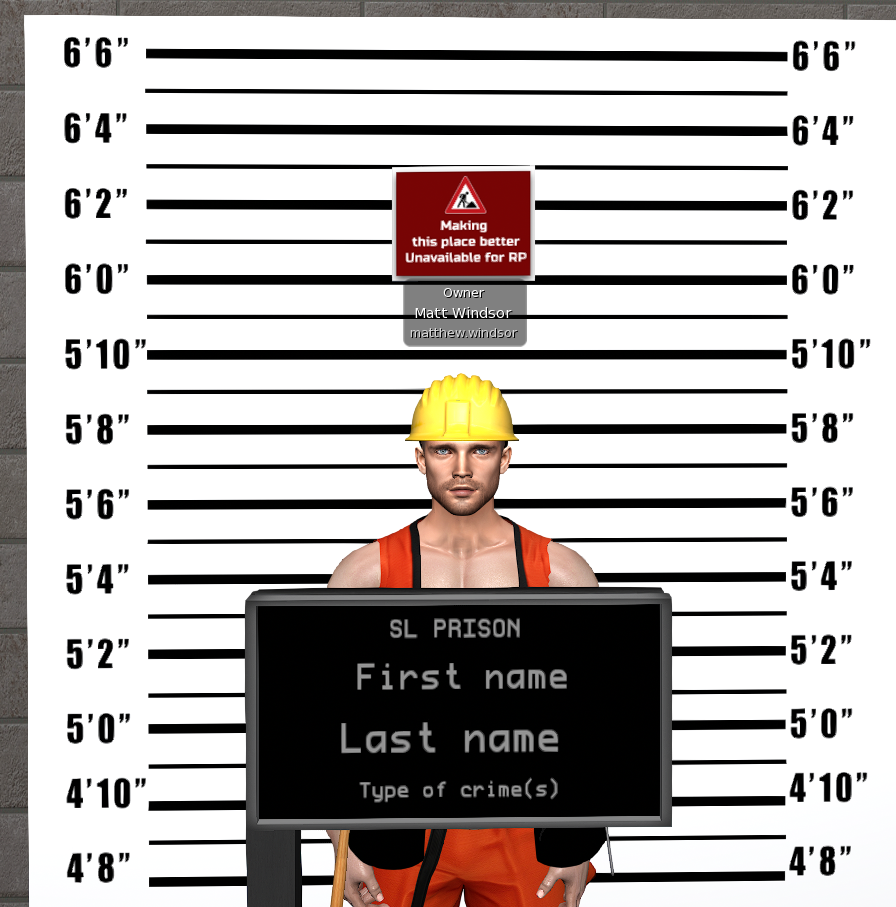
Ask the arrestee to go to the mugshot center to have their photo taken.
Fill in the first name and last name using the information provided in the form. Click the text to open the input box where you enter the information.
“Type of Crimes” is the bottom line. This field must list the type of crime the person was arrested for, not the legal sections or paragraph numbers.
Take a screenshot or a photo tool in Second Life and paste it into the correct thread in Avatar Records in Discord.
If you take the photo in Second Life tool, share it with the arrestee.
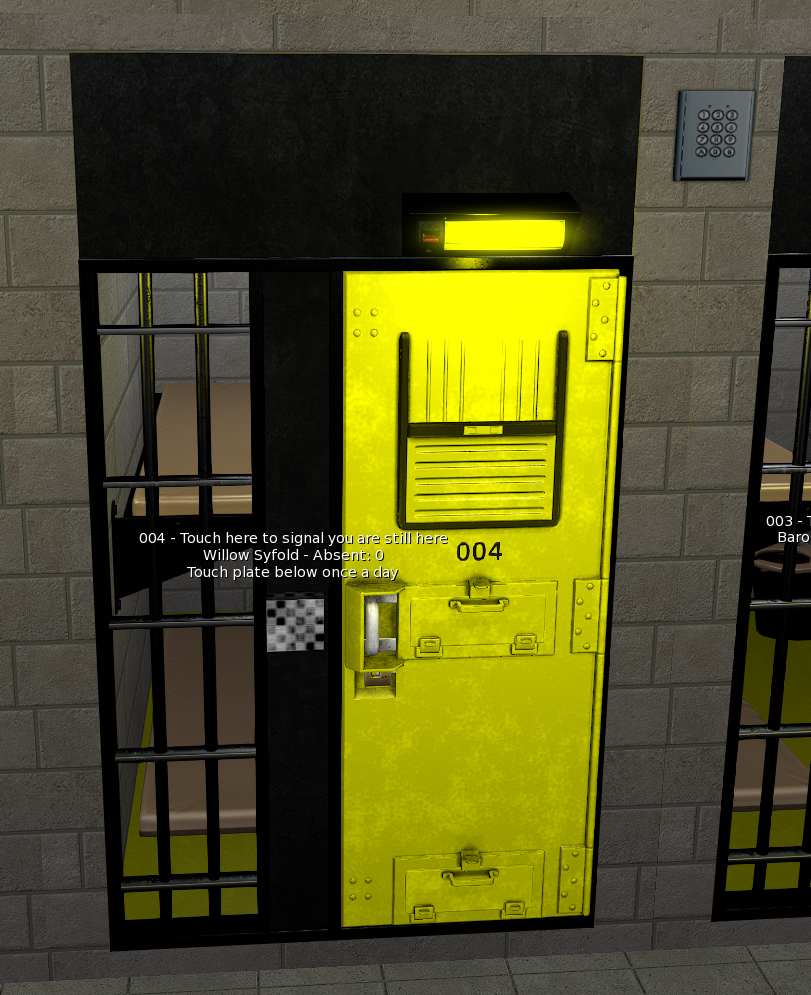
Lock the arrestee inside the cell.
Assign the cell by clicking the grey square and selecting the avatar who should be assigned to that cell.
Use DigiSafe to place a padlock on the cell door.
Troubleshoot:
If the user can’t for some reason see the intake webpage send the arrestee the full link: https://www.sanzelore.com/forms/police-intake-form/
If this doesn’t help click on the intake form prim and give out the backup notecard.